lyrics-video.ai

Free Particle Typography Maker for Lyrics That Emerge From Light

Turn a song into a lyric video where text forms and dissolves from particles of light, auto-synced to the beat. Upload audio, paste a Suno link, or type a prompt, and export for free with no watermark.

  • Free particle typography generator, no watermark
  • Text that forms and dissolves from particles, auto-synced
  • Upload audio, paste a Suno link, or type a prompt
  • Font, position, and size fully customizable
  • Export unlimited particle typography videos at no cost
Built for Particle Effects

Why Use a Particle Typography Maker Instead of a Static Reveal?

A static text reveal just cuts in and out. Particle typography has words form from scattered dust or light particles and dissolve the same way, a specific stylized effect rather than a general animation. This maker syncs that particle text to your song automatically, no manual timing required.

1,000,000,000+
Seconds of music visualized
As of May 2026, the platform has rendered over 1 billion seconds of AI music visuals.
1,000,000+
Creators worldwide
As of May 2026, the platform has served over 1 million creators across the world.
Over 150
Countries resonated
As of May 2026, creators from more than 150 countries have built music videos with this platform.
How It Works

How Do You Make a Particle Typography Video for Free?

From song to particle-formed, synced lyrics in four steps.

01

Add your song

Upload an audio file, paste a link from Suno to import the track directly, or start from a text prompt describing a particle or light scene if you don't have a finished song yet.

02

Let AI find the words

If you added audio or a Suno link, the maker automatically transcribes the lyrics. From a prompt, it generates a background instead, ready for particle-formed text on top.

03

AI syncs the particle effect to the beat

This particle typography maker times every line, and its formation and dissolve, to your track's timeline automatically, so the particle text lands with the vocals without you setting a single keyframe.

04

Style it and export

Choose a font, set where the particle text sits, adjust its size, and pick a visual style, then export for free with no watermark on the finished video.

Core Capabilities

What Does This Particle Typography Maker Include?

Particle-formed text, auto-sync, flexible inputs, and free exports built for this specific stylized effect.
Particle typography text forming from light particles
PARTICLE FORM

Text That Forms and Dissolves From Particles

Instead of a caption that just appears, the text in this maker assembles from scattered particles of light or dust and dissolves the same way, timed to your track automatically.
  • Automatic line-by-line beat sync
  • Particle-form and dissolve rendering
  • Works from uploaded audio or a Suno import
Three ways to start a particle typography project
FLEXIBLE INPUT

Start From a Song, a Suno Link, or a Prompt

Upload a finished audio file, paste a link straight from Suno, or type a prompt describing the particle scene you want. All three paths lead to the same synced result.
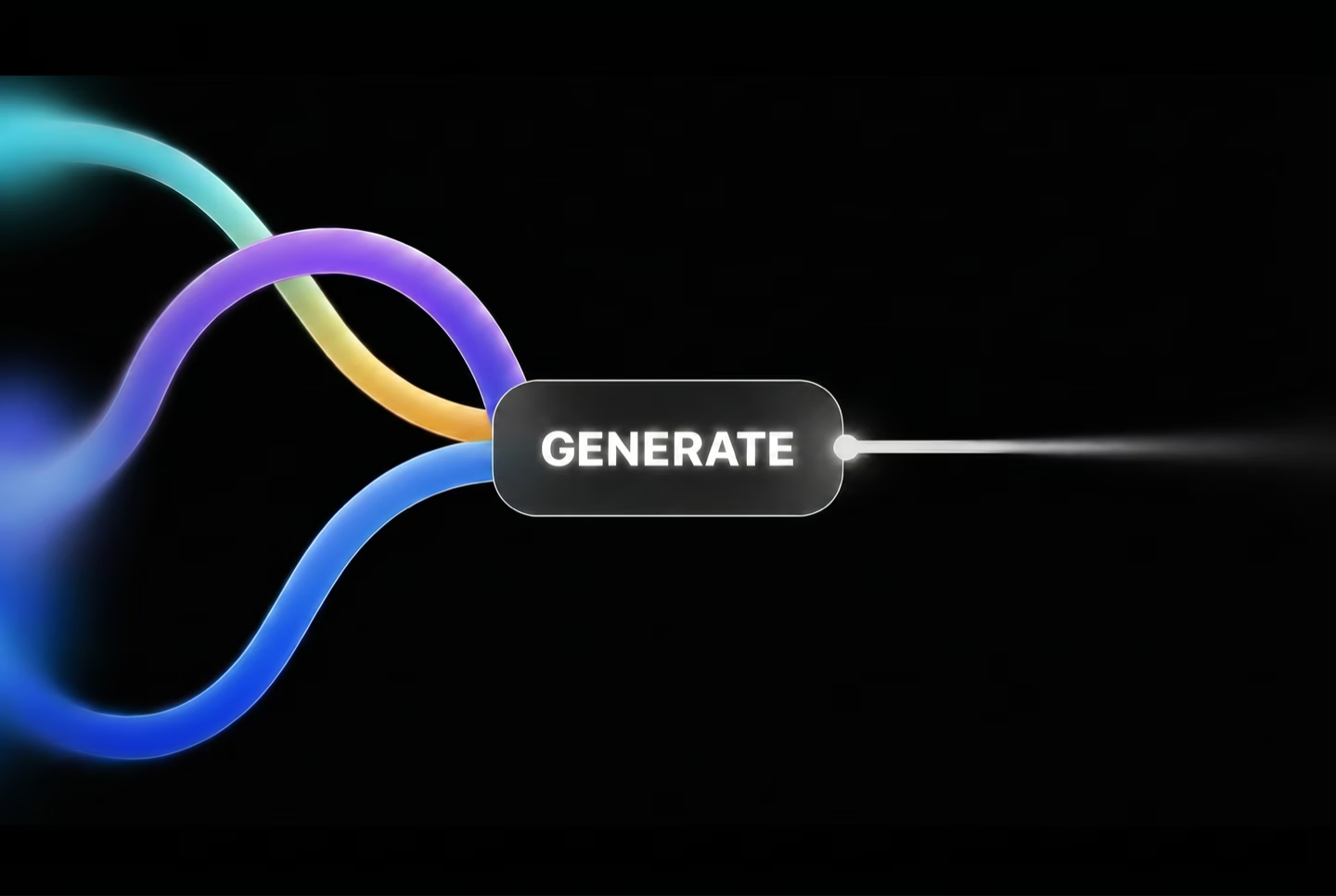
  • 3 ways to start a project
  • Suno link import, no download step
  • Prompt-to-visual generation available
Customizing particle typography font and layout
STYLE CONTROL

Customize Font, Position, Size, and Particle Style

Change fonts, move the particle-formed text anywhere on the frame, resize it, and choose between a still image slideshow or an animated particle background.
  • Multiple font choices
  • Adjustable text position and size
  • Multiple visual style options
Automatic lyric transcription for particle typography
AUTO TRANSCRIPTION

AI Reads Your Lyrics So You Don't Type Them

Upload a song and this particle typography generator automatically transcribes the words, then hands them straight to the particle-sync engine.
  • Automatic lyric transcription from audio
  • No manual line-by-line typing
  • Feeds directly into auto-sync
Watermark-free particle typography export
NO WATERMARK

Particle Typography Video With No Watermark, No Fee

Every export is free and watermark-free. There's no upgrade prompt hiding the clean version of your particle-effect lyric video behind a paid plan.
  • No credit card required
  • No watermark on any export
  • No per-video fee
Particle typography video formatted for social platforms
PLATFORM READY

Built for YouTube, TikTok, and Instagram

Export a particle typography video ready to post on YouTube, TikTok, or Instagram without a separate resizing or reformatting step.

  • Fits standard YouTube and TikTok formats
  • No separate cropping tool needed
  • Same project, multiple platform-ready exports
Side-by-Side

How Does This Particle Typography Maker Compare?

Where this particle typography maker differs from three well-known lyric video tools.

Feature
This Particle Typography Maker
Capify
Kapwing
VEED
Price
Completely free, no paywall
Free tier, paid plans for full exports
Free tier, paid plans for full features
Free tier, paid subscription for full access
Watermark on exports
None, ever
Removed only on paid plans
Suno link import
Yes, paste a link directly
Not supported
Not supported
Not supported
Automatic beat sync
Yes, automatic line-by-line timing
Yes, automatic timing
Manual timing adjustment
Automatic subtitle timing
Automatic lyric transcription
Yes, from uploaded audio
Yes, AI transcription included
Manual entry or auto captions
Automatic subtitle tool
Start from a text prompt
Yes, generates visuals from a prompt
Not supported
Not supported
Not supported
Font, position, and size control
Yes, fully customizable
Yes, customizable
Yes, customizable
Yes, customizable
Particle form and dissolve text effect
Yes, particle-form rendering built in
Style and background controls
Template library
Template library
3 ways to start a project
Prompt, audio upload, or Suno link
Audio upload only
Manual entry or auto captions
Audio or manual upload only
Why It's Worth Using

What Do You Get From This Particle Typography Maker?

Particle-formed text, automatic sync, and zero cost.

Text That Feels Like It's Assembling Itself

You get words forming from scattered particles instead of a caption that just cuts on and off screen.

No Keyframing, No Timeline

You skip the part of motion graphics work that takes the longest: hand-timing every particle formation to the beat. The maker does it for you.

Free Particle Typography Generator

The particle rendering and sync engine are part of the maker itself, not a paid add-on, so every export gets the same effect at no extra cost.

Start However You Have Your Song

Upload a finished audio file, paste a Suno link, or type a prompt if you're still deciding on the scene.

Make the Effect Match Your Track

Swap fonts, move the text, resize it, and pick a visual style so the particle effect fits your song's mood.

No Watermark, No Upgrade Prompt

The version you export is the clean version. There's no paid tier gatekeeping a watermark-free download.
What Creators Say

What Do Creators Say About This Particle Typography Maker?

Early feedback from creators making particle-formed lyric text videos.

4.8/5
★★★★★
From 1,000,000+ creators Featured on
SH
Skylar Hunt
Independent Artist, Phoenix
★★★★★
Needed a free particle typography generator for an ethereal single and the way the words assembled from light particles fit the mood perfectly.
RA
Renata Alves
Content Creator, Curitiba
★★★★★
This is an AI particle typography generator that actually times the formation to the beat, not just a looping particle template.
SV
Sami Virtanen
TikTok Creator, Helsinki
★★★★☆
Used it to create particle typography animation for free for a release teaser, exported vertical and watermark-free right away.
DR
driftglow.eve
Bedroom Producer, Vancouver
★★★★★
I generate particle text effect for free for every ambient track now. The dissolve at the end of each line reads intentional.
HL
Hugo Lindberg
Music Producer, Stockholm
★★★★★
Paste the Suno link, wait a bit, and the particle-formed text is already timed to the drop. Distinct look I hadn't found elsewhere for free.
CB
Chiara Bassi
Music Promotion Channel, Bologna
★★★★★
Ran four different tracks through this in one week, each particle typography video timed differently to match tempo.
IB
Idris Bello
DJ, Abuja
★★★★☆
Font and position controls were enough for my branding. The particle form effect is the actual reason I picked this over a plain reveal tool.
MD
Mette Dahl
Streamer, Copenhagen
★★★★★
No watermark, no fee, and the particles landed right on the chorus without me adjusting a single setting.
RK
Rashid Karimi
Singer, Almaty
★★★★★
Started from a prompt describing a dust-and-light scene since I didn't have visuals yet, and it built the background for me.
LF
Lucia Fernandez
Independent Musician, Buenos Aires
★★★★☆
Compared it to a couple paid particle effect packs and this made particle typography online for free just as convincingly.
TI
Toma Ionescu
Visual Artist, Bucharest
★★★★★
The particle density held up even on a vertical export, no clumping or dropout on the text.
YH
Yara Haddad
Content Creator, Beirut
★★★★★
Handled a full EP's worth of particle typography videos in one sitting, each auto-synced without me redoing timing per track.
Who It's For

Who Uses This Particle Typography Maker?

Built for creators who want a specific particle-form text effect, not general motion.

Ambient and Ethereal-Genre Artists

Releasing a track where words assembling from light particles fits the sound better than plain animated text.

Independent Musicians

Want a lyric video with a specific particle-effect look without hiring a VFX artist.

TikTok and Reels Creators

Need a short, vertical clip where a particle-formed reveal stands out in a feed of plain animated captions.

DJs and Producers

Turning an ambient set recap or a Suno-generated track into a particle-effect lyric video quickly.

Music Promotion Channels

Producing particle-effect lyric videos for multiple artists on a schedule at no per-video cost.

Visual Artists and VJs

Wanting a particle-form typography look as a base visual for a music release or set clip.
Common Questions

Common Questions About This Particle Typography Maker

Cost, the particle effect, and how the auto sync works.

Is this particle typography maker free to use?

Yes. You can create particle typography animation for free with no credit card, no trial period, and no watermark added to your export, regardless of how many videos you make.

What is particle typography?

Particle typography is lyric text that forms from scattered particles, such as light or dust, and dissolves the same way, rather than a caption that simply appears and disappears. This maker generates that specific effect automatically once you add a song.

How does the particle effect sync to the beat?

Once the maker has your lyrics and audio, whether from an upload, a Suno link, or a transcription it generated itself, it automatically times each line's particle formation and dissolve to the song's timeline. You don't set keyframes or align anything by hand.

Can I generate particle text effect for free without a finished song?

Yes. If you don't have a finished song yet, start from a text prompt describing a particle or light scene and the maker generates a background visual for you, ready for lyrics once you add a track.

Can I import a song directly from Suno?

Yes. Paste a link from Suno into the maker and it imports the track without you downloading and re-uploading the file separately.

Does this particle typography generator add a watermark?

No. Every export is watermark-free, on every plan, because there is only one plan and it's free.

Can I customize the font and where the particle text sits?

Yes. You can choose from multiple fonts, set the text position, adjust the size, and pick a visual style before exporting.

Can I make particle typography online for free without installing anything?

Yes. This maker runs in the browser, so you upload a song or paste a link, style the particle text, and export without installing an editor.

Is this different from a kinetic typography or general typography animation maker?

Yes. A kinetic typography maker focuses on rhythm-timed motion, and a typography animation maker covers a broad range of animation styles. This particle typography maker is one specific stylized effect: text forming from and dissolving into particles.

Is this suitable for TikTok, Instagram, and YouTube?

Yes. Exports fit standard YouTube, TikTok, and Instagram formats, so you can post a particle typography video without a separate resizing step.
Is this particle typography maker free to use?
Yes. You can create particle typography animation for free with no credit card, no trial period, and no watermark added to your export, regardless of how many videos you make.
What is particle typography?
Particle typography is lyric text that forms from scattered particles, such as light or dust, and dissolves the same way, rather than a caption that simply appears and disappears. This maker generates that specific effect automatically once you add a song.
How does the particle effect sync to the beat?
Once the maker has your lyrics and audio, whether from an upload, a Suno link, or a transcription it generated itself, it automatically times each line's particle formation and dissolve to the song's timeline. You don't set keyframes or align anything by hand.
Can I generate particle text effect for free without a finished song?
Yes. If you don't have a finished song yet, start from a text prompt describing a particle or light scene and the maker generates a background visual for you, ready for lyrics once you add a track.
Can I import a song directly from Suno?
Yes. Paste a link from Suno into the maker and it imports the track without you downloading and re-uploading the file separately.
Does this particle typography generator add a watermark?
No. Every export is watermark-free, on every plan, because there is only one plan and it's free.
Can I customize the font and where the particle text sits?
Yes. You can choose from multiple fonts, set the text position, adjust the size, and pick a visual style before exporting.
Can I make particle typography online for free without installing anything?
Yes. This maker runs in the browser, so you upload a song or paste a link, style the particle text, and export without installing an editor.
Is this different from a kinetic typography or general typography animation maker?
Yes. A kinetic typography maker focuses on rhythm-timed motion, and a typography animation maker covers a broad range of animation styles. This particle typography maker is one specific stylized effect: text forming from and dissolving into particles.
Is this suitable for TikTok, Instagram, and YouTube?
Yes. Exports fit standard YouTube, TikTok, and Instagram formats, so you can post a particle typography video without a separate resizing step.